AI runs on device
Object and motion analysis runs locally on Apple Silicon. Nothing is streamed to external cloud servers.

Detective Cam watches for your pet, people, cars, or movement and records only when they show up—so you keep focused clips instead of hours of empty footage.

PRODUCT FILM
A narrated walkthrough of arming detection, auto-zoom capture, and reviewing saved clips on iPhone.
HOW IT WORKS
Interactive scenes straight from the Detective Cam iOS onboarding flow.
Something else? With Premium, describe any object—like “red car” or “white dog”.
9:42 PM
1:18 AM
4:55 AM
▶
REC
LIVE
Connect nearby devices over your local network with a short pairing code—no cloud server relay and no account.
INSIDE v1.9
Real screens from Detective Cam on iPhone—fast to arm, effortless to review.
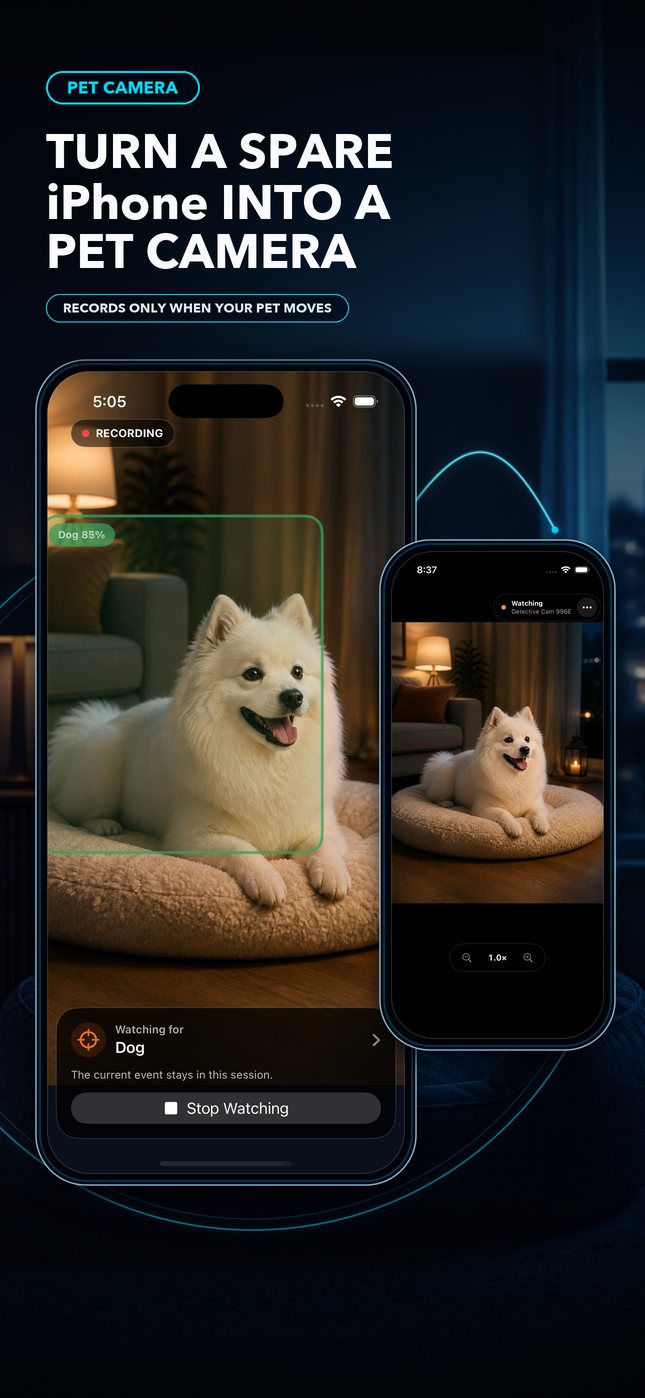
Prop up an older iPhone or iPad to watch a room, doorway, or backyard without buying dedicated hardware.
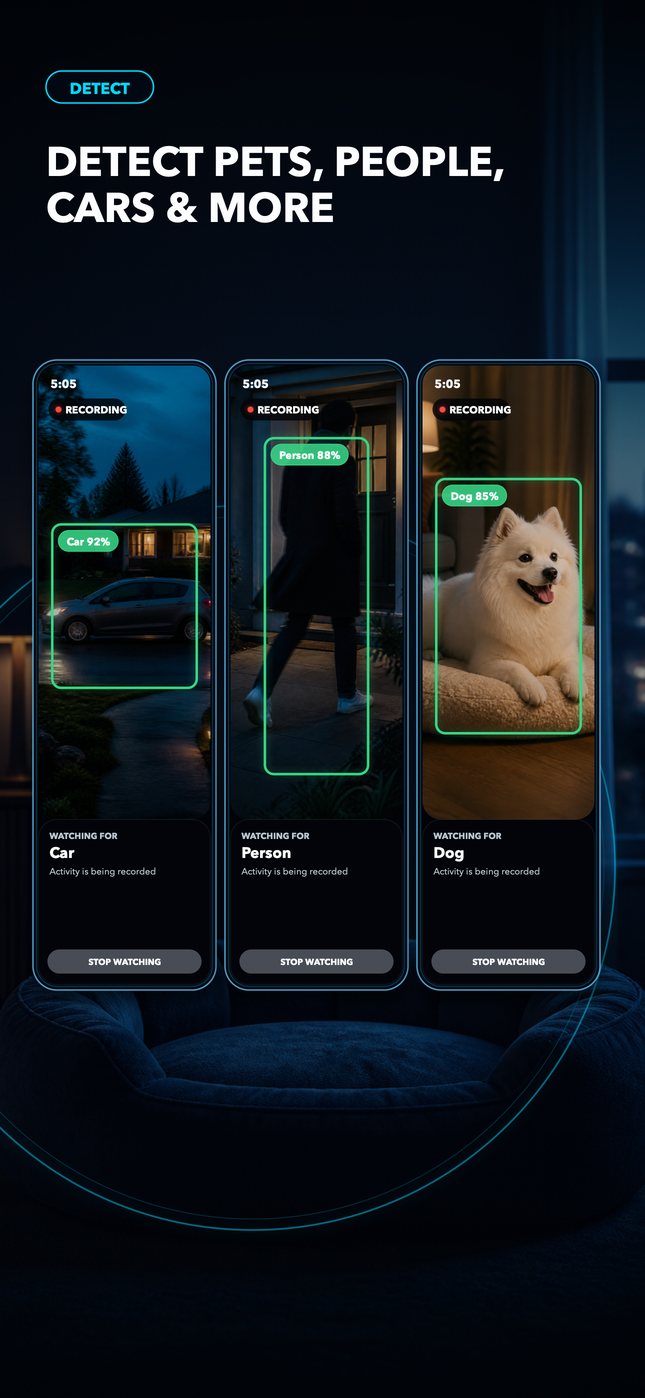
Choose a built-in target or describe something specific so recordings only trigger on what you asked for.
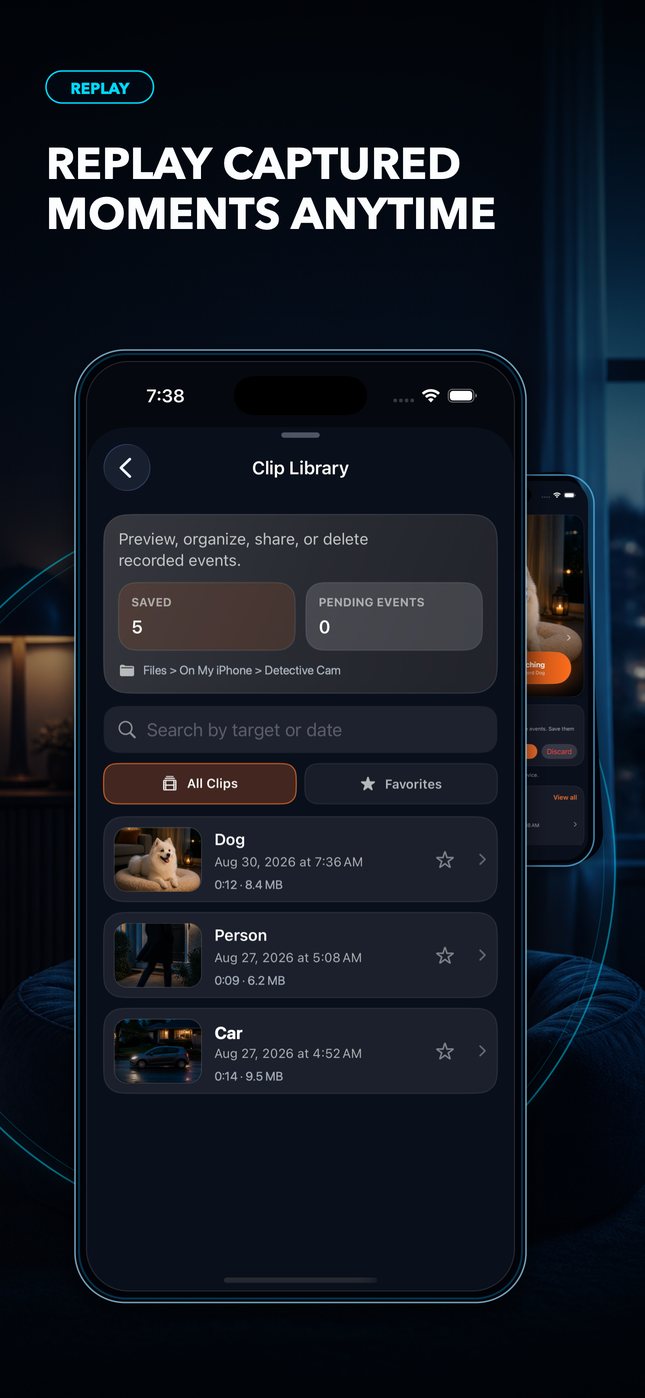
Confirmed moments merge cleanly into local clips saved straight to the Files app under Detective Cam.
PRIVATE BY DESIGN
No subscriptions required to start, no accounts to create, and zero third-party tracking inside the app.
Object and motion analysis runs locally on Apple Silicon. Nothing is streamed to external cloud servers.
Confirmed sessions export straight to Files on your iPhone or iPad. Unconfirmed temporary segments auto-delete.
Only Camera access is required to watch; Microphone is optional for audio, and Local Network is only for Peer Camera.
GET STARTED
Start free on any iPhone or iPad running iOS 17 or newer. Add Peer Camera whenever you want a live local viewer.
Detective Cam is a focused local recorder, not emergency or security-critical monitoring.